# ytDownloader
< p > < a href = "https://flatstat.mijorus.it/app/me.aandrew.ytdownloader" align = "center" > < img width = "250" src = "https://img.shields.io/endpoint?url=https://flathub-stats-backend.vercel.app/badges/me.aandrew.ytdownloader/shields.io.json" > < / a > < / p >
A modern GUI video and audio downloader supporting [hundreds of sites ](https://github.com/yt-dlp/yt-dlp/blob/master/supportedsites.md )
< a href = "https://flathub.org/apps/details/me.aandrew.ytdownloader" > < img src = "https://flathub.org/assets/badges/flathub-badge-en.svg" style = "width:180px;" > < / a >
[](https://snapcraft.io/ytdownloader)
[](https://github.com/aandrew-me/ytDownloader/releases/latest/download/YTDownloader.AppImage)
< a href = "https://github.com/aandrew-me/ytDownloader/releases/latest/download/YTDownloader_Win.exe
">< img src = "https://user-images.githubusercontent.com/66430340/187172806-a8edd12a-ef58-4a05-96a3-99d7490b42f6.png" style = "width:190px;" > < / a >
< a href = "https://github.com/aandrew-me/ytDownloader/releases/latest/download/YTDownloader_Mac.zip" > < img src = "https://user-images.githubusercontent.com/66430340/189808142-0a4725c6-b167-4afd-98f1-dfcb16bfbd43.png" style = "width:200px;" > < / a >
README in [other languages ](READMES/list.md )
## Features 🚀
✅ Light/Dark mode
✅ Supports hundreds of sites including Youtube, Facebook, Instagram, Tiktok, Twitter and so on.
✅ Advanced options like Range Selection
✅ Download playlists
✅ Available on Linux, Windows & macOS
✅ Fast download speeds
✅ And of-course no trackers or ads
## Screenshots
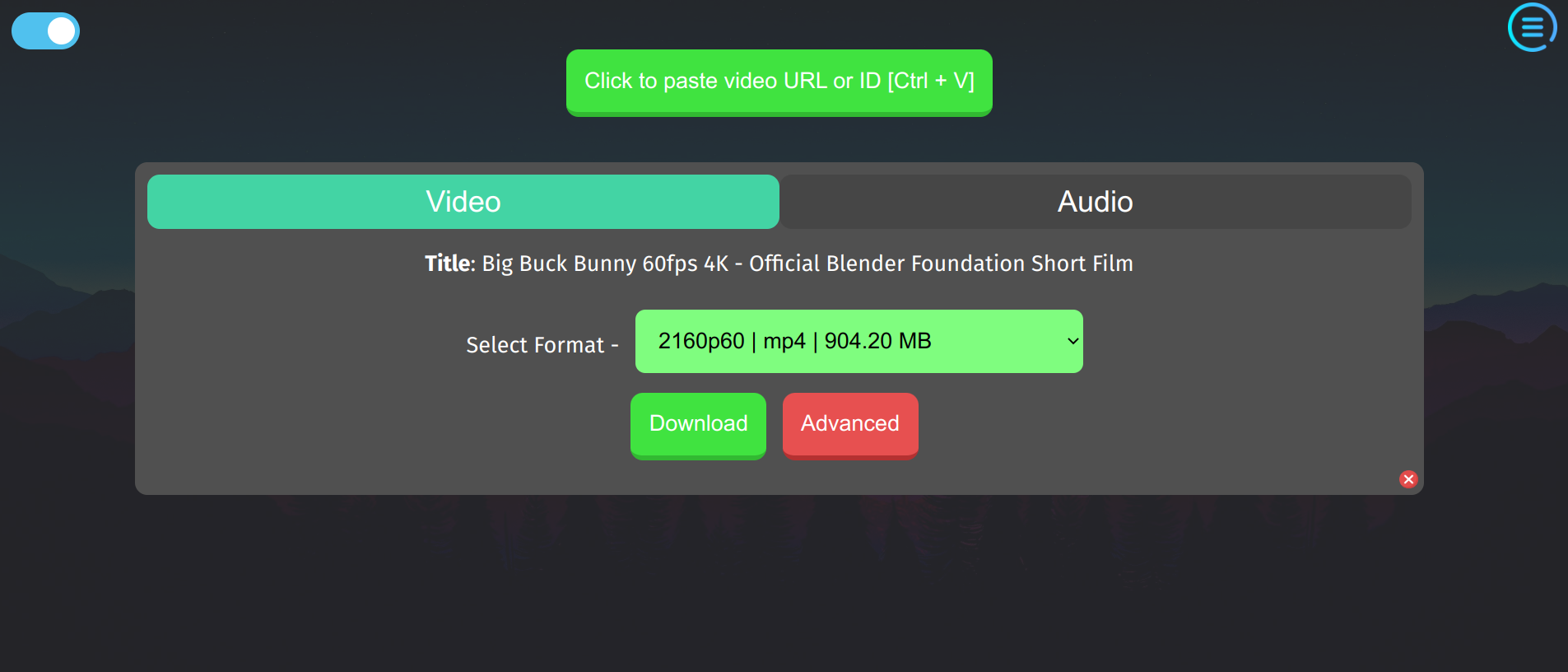
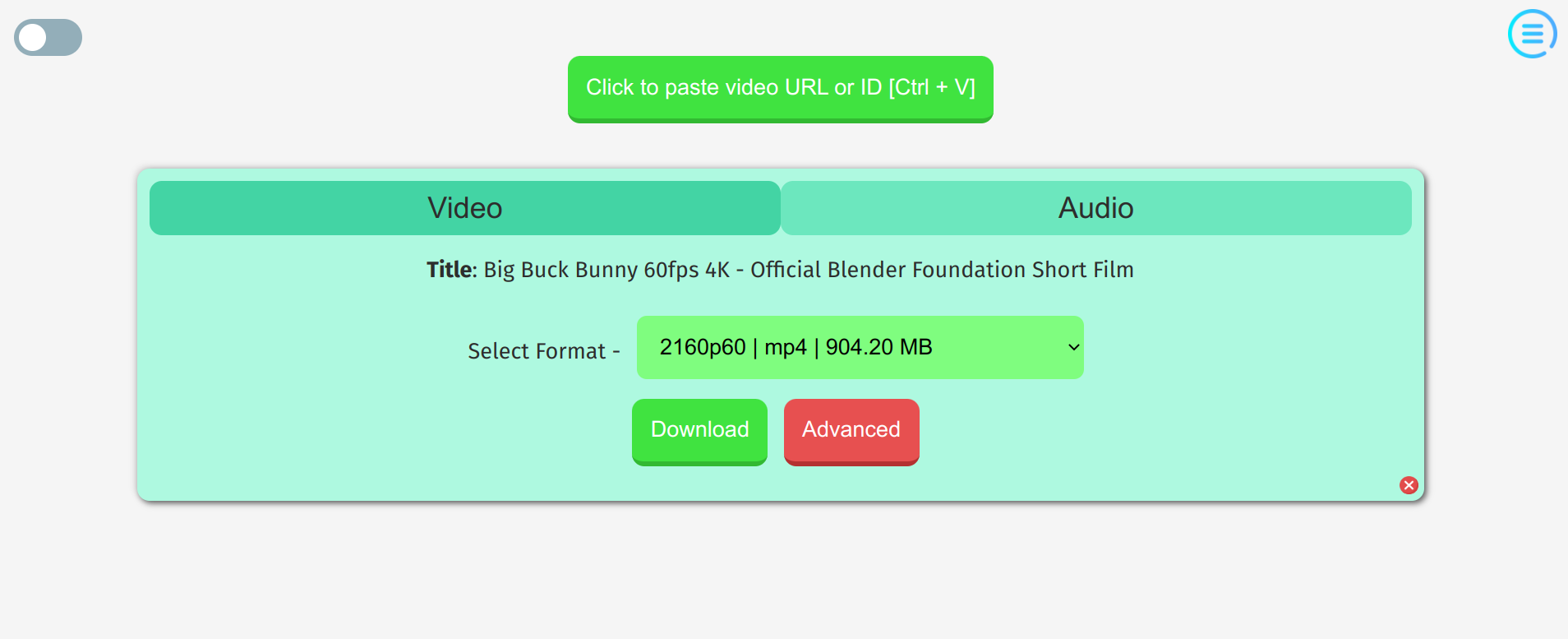
<!--  -->
<!--  -->
# Installation
## Windows 🪟
Download and install the exe file. Windows defender may create problems as usual.
## Linux 🐧
Linux has several options available - Flatpak, AppImage, Snap and AUR.
Flatpak is recommended.
### AppImage
**AppImage** format is supported on most Linux distros and has Auto-Update support.
It just needs to be executed after downloading. See more about [AppImages here ](https://appimage.org/ ).
[AppImageLauncher ](https://github.com/TheAssassin/AppImageLauncher ) is recommended for integrating AppImages.
### AUR package
The app is available in [AUR ](https://aur.archlinux.org/packages/ytdownloader-gui ) with the name `ytdownloader-gui` . To build with pamac the required command is -
```
pamac install ytdownloader-gui
```
## macOS 🍎
Since the app is not signed, when you will try to open the app, macOS will not allow you to open it. So you will need to follow some steps to open it.
1. Click on **System Preferences** on your Mac Dock.
2. Choose **Security & Privacy**
3. The app will be shown there. Click on **Open**
## Internationalization 🌍
Translations into other languages would be highly appreciated. If you want to help translating the app to other languages, you can join from [here ](https://crwd.in/ytdownloader ). Open a new issue and that language will be added to Crowdin.
### ✅ Available languages
|Name |Status (Credits) |
|--|--|
|English | ✔️ |
|Finnish | ✔️ [LINUX-SAUNA ](https://t.me/linuxsauna )|
|German | ✔️ [Proxycon ](https://github.com/proxycon )|
|Italian | ✔️ [albanobattistella ](https://github.com/albanobattistella )|
|Russian | ✔️ |
|Spanish | ✔️ [haggen88 ](https://github.com/haggen88 )|
| Turkish | ✔️ [nxjosephofficial ](https://github.com/nxjosephofficial ) |
| Ukrainian | ✔️ [KotoWhiskas ](https://github.com/KotoWhiskas ) |
## Used technologies
- [yt-dlp ](https://github.com/yt-dlp/yt-dlp )
- [Electron ](https://www.electronjs.org/ )
- [ffmpeg ](https://ffmpeg.org/ )
- [nodeJS ](https://nodejs.org/en/ )
## For building or running from source code
[Nodejs ](https://nodejs.org/ ) (along with npm) needs to be installed.
Required commands to get started.
```
git clone https://github.com/aandrew-me/ytDownloader.git
cd ytDownloader
npm i
```
To run with [Electron ](https://www.electronjs.org/ ) :
```
npm start
```
To build for Linux (It will create packages as specified in package.json). The builds are stored in **release** folder.
```
npm run linux
```
To build for Windows
```
npm run windows
```
To build for macOS
```
npm run mac
```

