You cannot select more than 25 topics
Topics must start with a letter or number, can include dashes ('-') and can be up to 35 characters long.
1.7 KiB
1.7 KiB
File Manager Vi version
Cutefish File Manager, simple to use, beautiful, and retain the classic PC interactive design.
On this branch, the Cutefish File Manager has an even easier way to browse your files thanks to the vi mode. Instead of the classical shortcuts, vim fans will be pleased to use some of the vim shortcuts to browse their files.
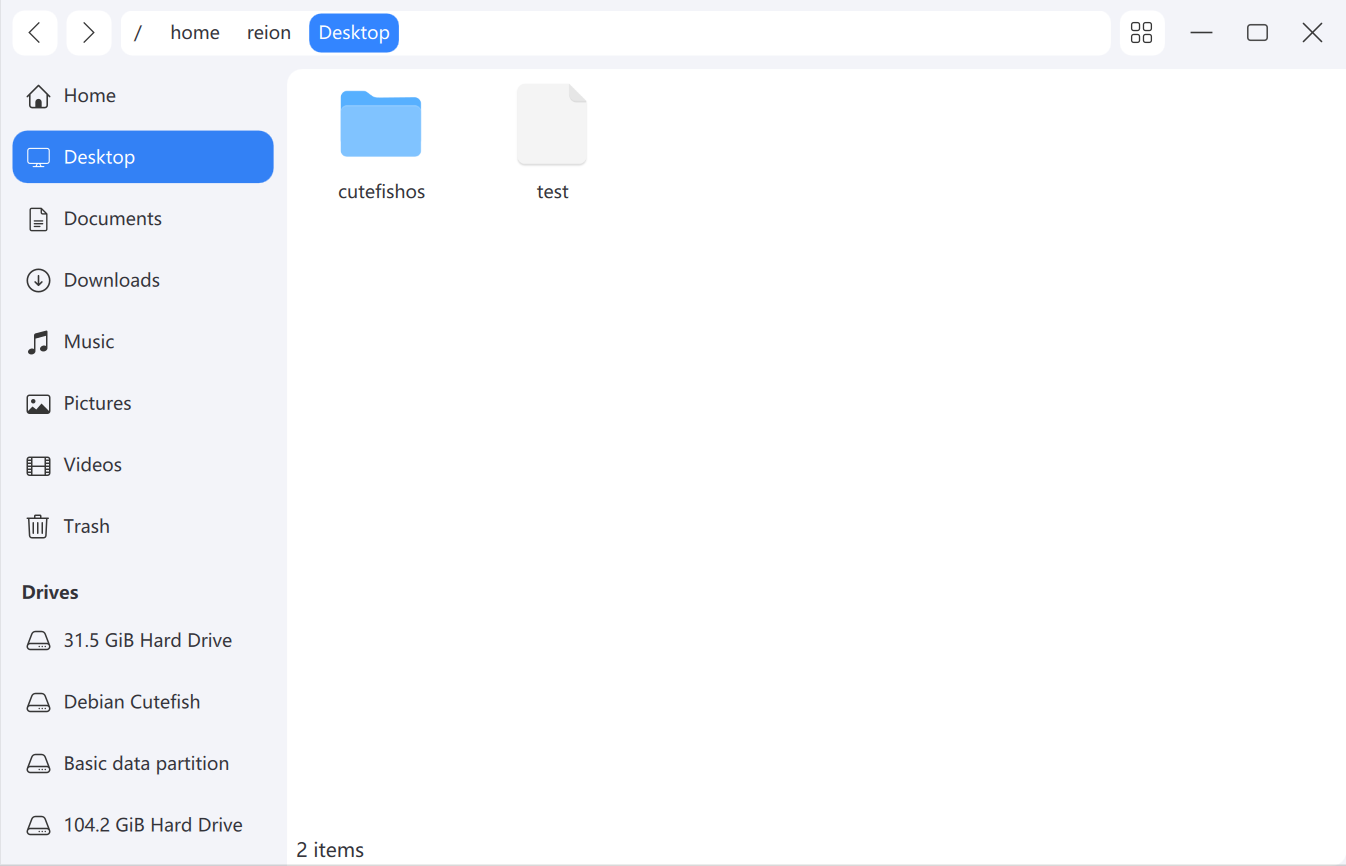
Dependencies
Ubuntu
sudo apt install equivs curl git devscripts lintian build-essential automake autotools-dev --no-install-recommends

sudo mk-build-deps -i -t "apt-get --yes" -r
Debian
sudo apt install build-essential cmake extra-cmake-modules libkf5kio-dev libkf5solid-dev libkf5windowsystem-dev libkf5config-dev qtbase5-dev qtbase5-private-dev qtdeclarative5-dev qtquickcontrols2-5-dev qttools5-dev qttools5-dev-tools
ArchLinux
sudo pacman -S extra-cmake-modules qt5-base qt5-quickcontrols2 taglib kio
Build
git checkout vi-mode
mkdir build
cd build
cmake -DCMAKE_INSTALL_PREFIX:PATH=/usr ..
make
Install
sudo make install
Keybindings
Most of those keybindings are coming from Vim, but not all of them. Here is a list of them :
- h,j,k,l : directions,
- y : (yank) copy,
- p : paste here,
- r : rename,
- Return/Enter : open/launch,
- % : display hidden files,
- u : undo last change,
- d : cut,
- x : delete,
- q : close the window,
- a : refresh,
- colon (:) : focus path input,
- v : select all files,
- backspace : go back
Developper info : all of these shortcuts are noted in
helper/shortcut.h
License
This project has been licensed by GPLv3.